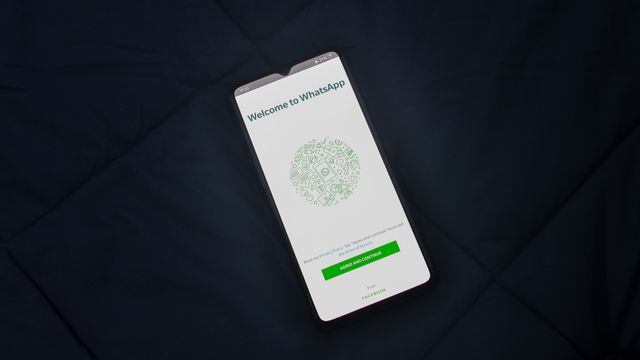
WhatsApp Business API allows businesses to connect with customers at scale. Here’s how to get started with FrenClub Agentik AI:
Step-by-Step Guide
1. Get WhatsApp Business API Access
- Apply for WhatsApp Business API through a Business Solution Provider (BSP)
- Verify your business phone number
- Complete the business verification process
2. Connect to FrenClub Agentik AI
- Log in to your Agentik AI dashboard
- Navigate to Message Gateways → WhatsApp
- Click Connect New Number
- Enter your verified WhatsApp Business phone number
3. Configure Your Settings
- Set up auto-reply templates
- Create broadcast lists for marketing
- Enable customer service automation
- Configure rich media support (images, videos, documents)
4. Start Messaging
- Send your first template message
- Test auto-reply responses
- Monitor analytics in the dashboard
Key Features You’ll Get
| Feature | Benefit |
|---|---|
| Auto-reply | Respond to customers 24/7 automatically |
| Template Messages | Send approved messages for marketing |
| Broadcast | Reach thousands of customers at once |
| Analytics | Track open rates and response times |

Leave a Reply